An event’s success is often evaluated through content quality, venue choice, or the agenda flow. Yet how participants remember the event is often shaped by much smaller details. Comfort throughout the day, ease of accessing information, wayfinding, time management, and a sense of a personal flow directly affect the participant experience.
Today, especially in corporate events, participants expect not only a well-organized agenda, but also a fast, simple, digitally supported experience. Because the speed people are used to in daily life has become a natural expectation at events as well. People want instant access to information, to see details that concern them easily, and to avoid uncertainty throughout the process.
A significant part of what strengthens participant experience is now managed through digital infrastructure. And even if these details seem small on the surface, they can seriously change the overall perception of the event.
In a well-planned event, participants should not have to search for information at any point. They should be able to easily see when and where they need to be, which content they will attend, what changes are happening, and details related to themselves.
Below, we list the 10 most important digital details that strengthen participant experience.
1. Having the Up-to-Date Agenda Accessible on a Single Screen
The most frequently checked area during an event is the agenda flow. When does each session start, which speaker is in which room, how does the content order progress? This information is a core reference point for participants.
When the agenda is simple, clear, and up to date, it eases the participant’s flow throughout the day. Especially when last-minute changes happen, being able to update the agenda instantly is a major advantage.
When participants can reach the current information from a single point instead of searching through old PDF files, the event flow feels much more controlled.
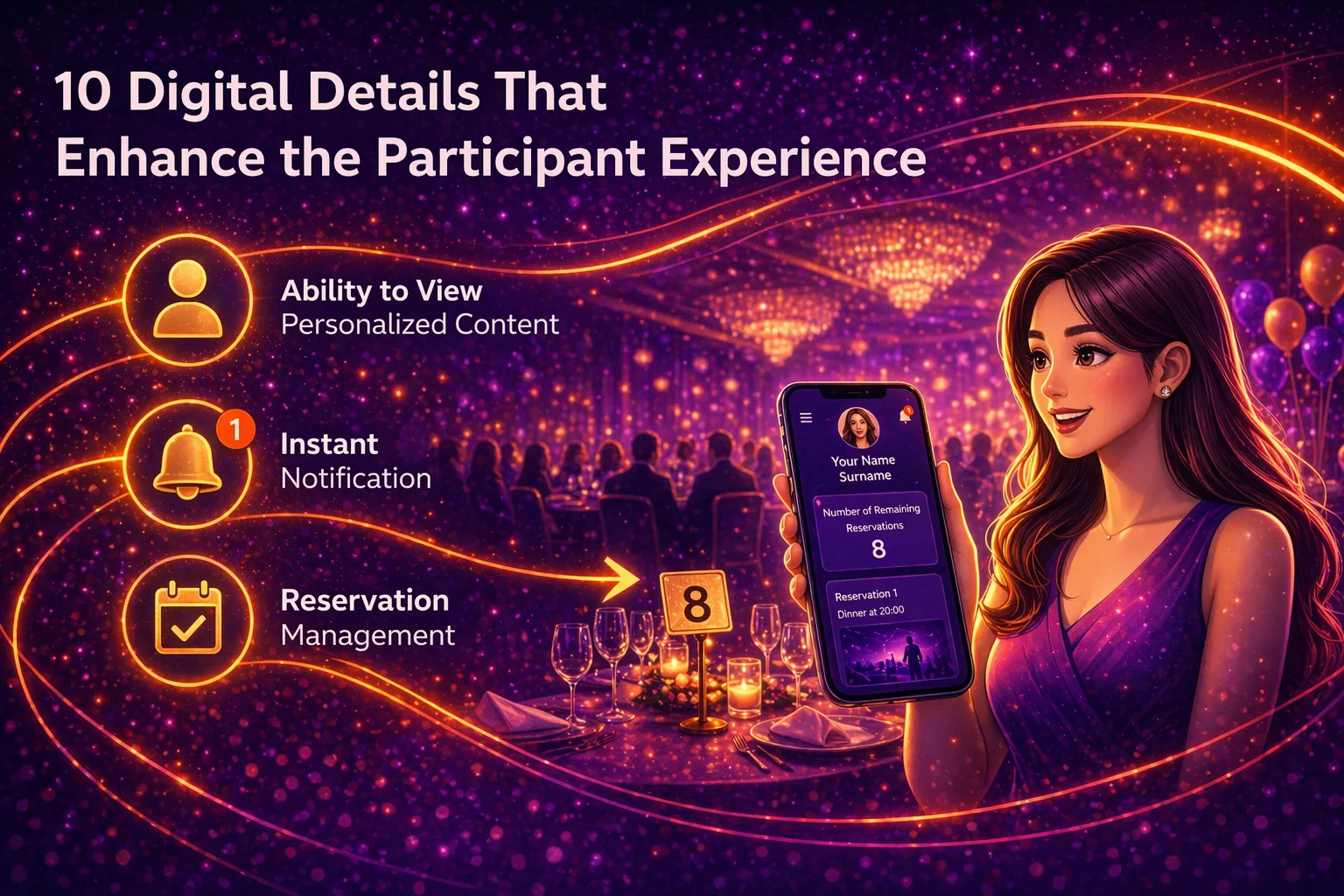
2. Being Able to See Personalized Content
In large organizations, not everyone follows the same program.
Some participants are included in private meetings, some select different sessions, and some have access rights to specific areas.
That is why seeing only their own information strengthens the participant experience.
When personal flight information, transfer time, reservations, and announcements specific to the participant are visible on their screen, information becomes much simpler.
3. Announcing Changes Quickly with Real-Time Notifications
Unplanned developments can always happen at events.
A room can change, a session time can shift, a transfer plan can be updated.
In such situations, it is very important that the participant receives the information on time.
Push notifications play a critical role here.
Even if the participant does not open the app, the change appears directly on their phone screen.
This detail may look small, but it eases the flow of the event significantly.
4. Being Able to Complete Fast Actions with QR
Long entry lines, manual control processes, or having to repeat information can feel tiring for participants.
With QR infrastructure, entrances can be completed in seconds.
But QR provides ease of use not only at entry, but also at many points throughout the event:
- room entrances
- restricted area access
- gift deliveries
- usage entitlements
- gala checks
This creates a fast and modern experience for participants.
5. A Digital Information Flow That Makes Wayfinding Easier
Especially in events held in large venues, it is very important that participants can comfortably reach the right room, the right meeting area, or the correct transfer point.
When room names, floor information, guidance notes, and venue explanations are shown clearly in digital form, the event feels much more fluid.
Not having to ask for directions strengthens the participant experience in an invisible way.
6. Clear Management of Reservation-Based Areas
Some sessions, workshops, or private meetings run with limited capacity.
Being able to reserve in advance and clearly see which session they are registered for provides major convenience.
This structure both organizes room flow and gives participants a sense of control.
7. Presenting Accommodation and Transportation Information Personally
In out-of-town events, logistics information becomes very important.
Being able to access personal flight information, transfer time, hotel information, and room details on one screen provides serious comfort.
The clearer this information is, the stronger the perception of professionalism becomes.
8. Managing Usage Entitlements Digitally
In some events, certain usage rights are assigned to participants.
Digitally managing flows such as catering, premium usage, and gift delivery is both fast and controlled.
QR-based entitlement structures are extremely practical for participants.
9. Easy Access to Event Content
When speaker bios, presentation details, session descriptions, important information, and additional event content are accessible from a single place, participants move much more comfortably throughout the day.
As access to information becomes easier, the event feels more professional.
10. Digital Continuity After the Event
When the event ends, the experience does not have to end completely.
When photos, content summaries, thank-you messages, surveys, and final announcements continue within the digital structure, the event memory becomes stronger.
For participants, the sense of completion becomes stronger.
Today, what successful events have in common is often not big details, but these small-looking digital conveniences.
Because participant experience often becomes stronger when people feel this:
- Everything was easy.
- Everything was clear.
- Everything showed up to me on time.
And in many cases, the strongest perception of an event is formed exactly here.